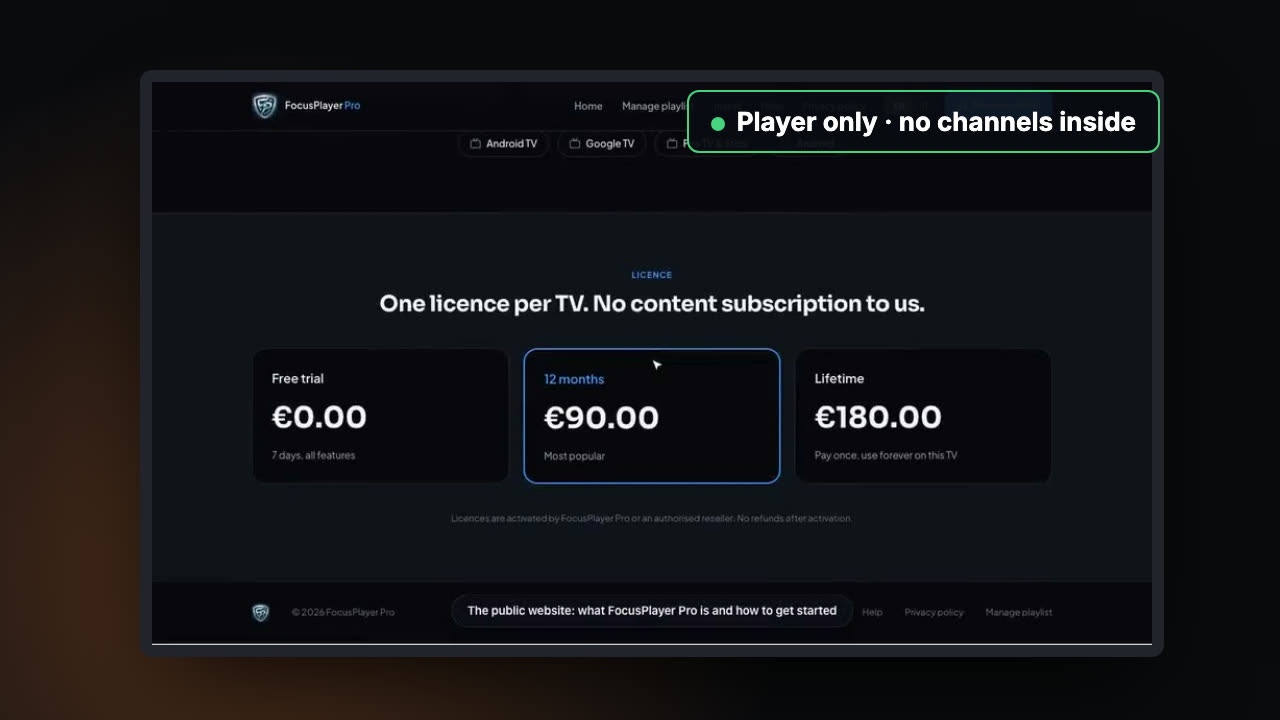
Stores accept IPTV players that are software only: the app ships with no channels and plays playlists the viewer or operator supplies. Apps are rejected or removed when they look like a source of free or pirated TV, so keep content out of the app, the screenshots and the wording, give reviewers a working demo, and meet each store’s technical rules.
Chapter 1Are IPTV apps allowed?
Yes, as players. Google Play, the Amazon Appstore, Roku, Samsung and LG all list apps that play M3U playlists, Xtream Codes logins or an operator’s own service. What every store forbids is an app that provides or encourages access to content it has no right to.
Stays up
- Ships empty: no channels inside
- The viewer adds their own playlist or login
- Screenshots of your own demo content
- Says plainly it is a player
Gets pulled
- Bundled playlists or hidden default links
- Broadcaster, league or film artwork in screenshots
- “Free channels” or channel counts in the name
- No company, website or privacy policy
Chapter 2Why players get removed
Store reviewers judge what they see, and rights holders send complaints about what they find. Well-known players have been pulled after complaints even though they contained no channels at all, and some came back only after a dispute.
The line is not the technology. It is what the app contains and how it is presented.
Chapter 3Build one that stays up
- Ship it empty. No bundled playlists, no preloaded channels, no hidden default URLs.
- Bring your own. A clear first screen to add a playlist, log in to a provider, or enter an operator’s activation code.
- Say what it is. The app and the listing state that it is a player and does not provide content.
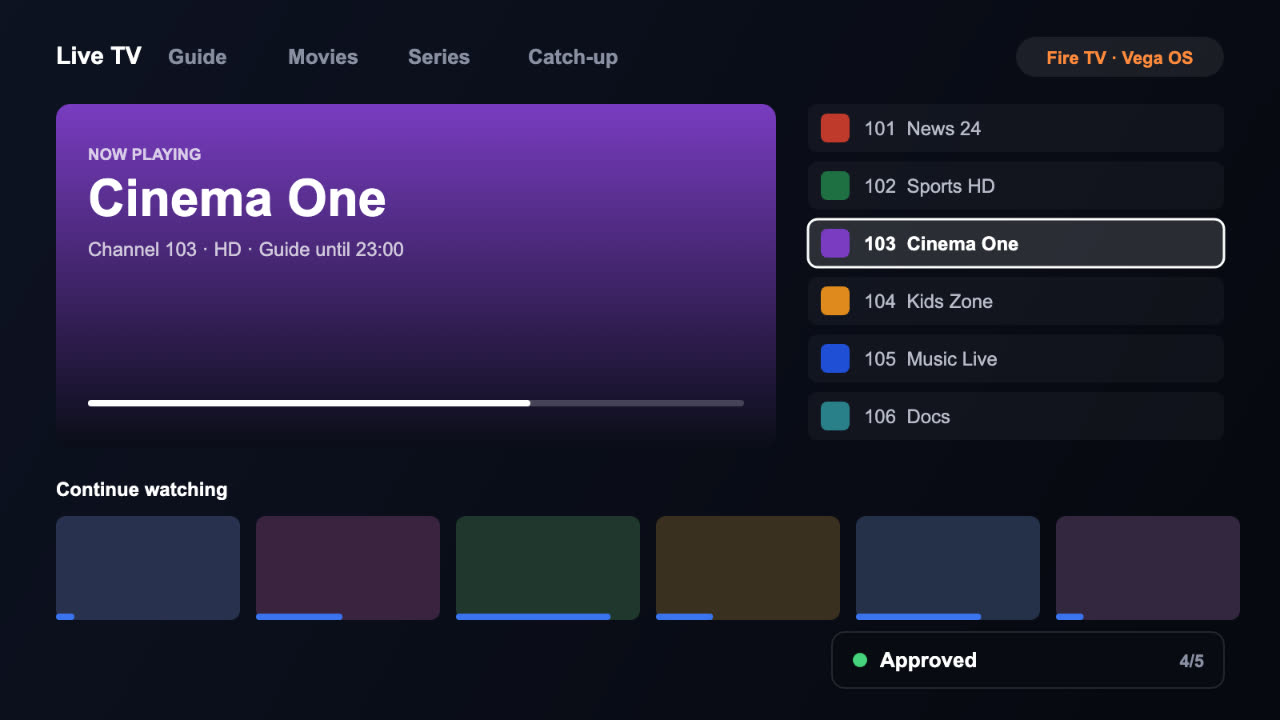
- Clean screenshots. Your own demo channels and artwork only.
- Careful wording. No “free channels”, “all sports” or channel counts.
- A demo for reviewers. A working test account or playlist with content you may show.
- A real business. Company name, website, privacy policy and support address on the listing.
Chapter 4Technical rules that trip players up
Video keeps the decoder when the app is in the background
On Fire TV, pause and release media resources as soon as the app leaves the screen.
A 20,000-channel playlist freezes the app on start
Load channels and the guide in the background, a piece at a time.
Dead end when the network drops
Show what happened and reconnect by itself.
Back key behaves differently on each screen
One rule everywhere, tested with the remote.
Chapter 5Operator apps are different
If you are a licensed operator with your own channels, your app is your service, not a generic player. Expect reviewers to ask about your rights to the content, and have your agreements ready. A branded app that logs straight into your service is often an easier review than a generic player.
Chapter 6Questions people ask
Sources: Amazon: media player requirements on Fire TV · Google Play: Developer Program Policy · Amazon Appstore: content policy
 That’s the seriesBack to all episodes3 guides on getting TV apps live.
Rather we handled it?
We build IPTV and OTT apps and take them through every store review until they are live.