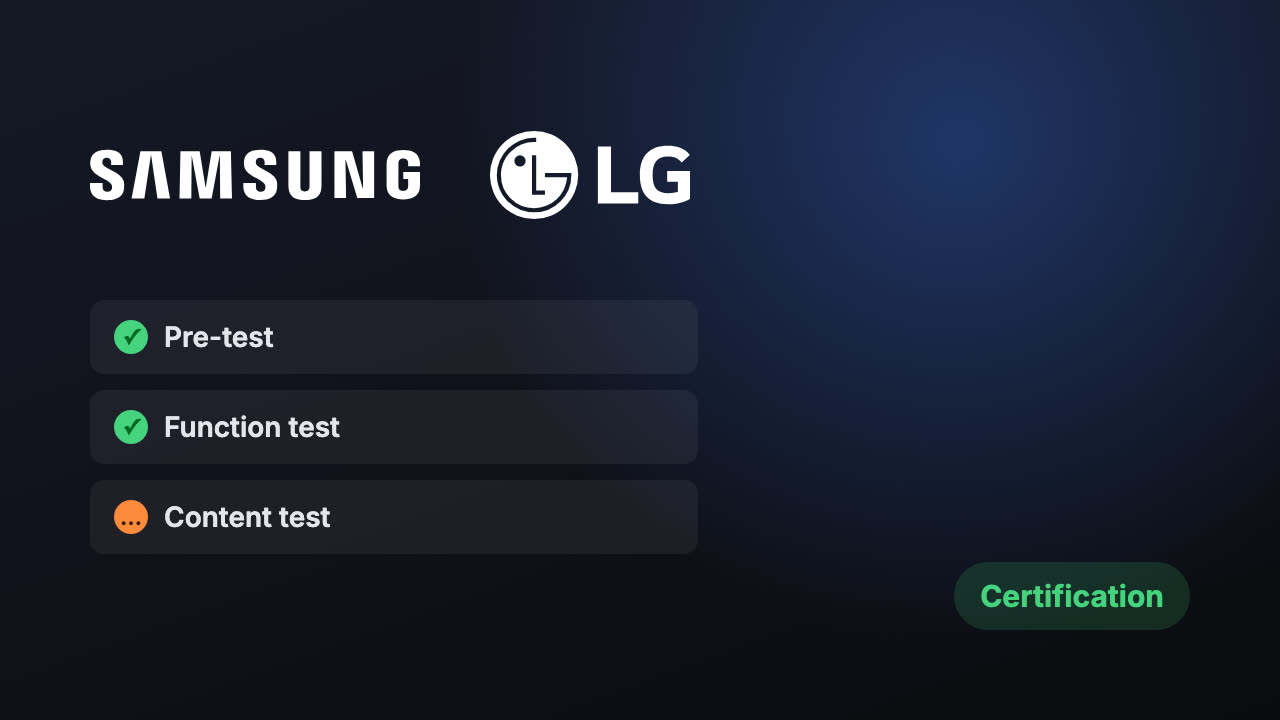
Samsung apps are submitted in the Samsung Apps TV Seller Office and go through a pre-test, then certification for each group of TV models. LG apps are submitted in the LG Seller Lounge with a UX scenario and a self-checklist, then tested for performance, function and content. Both send failed apps back with a list of defects to fix and resubmit.
Chapter 1How Samsung reviews a Tizen app
- Register the appIn the Samsung Apps TV Seller Office. The Tizen package ID must be unique; the Seller Office creates the app ID used in certification.
- Upload and pre-testA pre-test runs during the upload and catches the most serious problems early.
- CertificationSamsung tests each version separately for every group of TV models you target, so an app can pass on one year’s models and fail on another.
- DefectsProblems appear under Defect Resolve. Fix them and resubmit.
- ReleaseResults come by email. A clean pass is published, and a beta to testers is possible first.
Chapter 2How LG reviews a webOS app
- Submit in Seller LoungeWith two documents: a UX scenario that tells testers how to use the app, and LG’s self-checklist.
- Run the App CTSLG’s test suite inside Seller Lounge, to catch implementation problems before a person looks.
- Three testsA pre-test, a function test and a content test, covering performance, features and the interface.
- Approve or returnA failed app comes back with the issues listed. Questions go through the 1:1 Q&A in Seller Lounge.
Chapter 3Samsung and LG side by side
Samsung · Tizen
- Samsung Apps TV Seller Office
- Automatic pre-test on upload
- Certified per group of TV models
- Defects listed in Defect Resolve
LG · webOS
- LG Seller Lounge
- UX scenario and self-checklist required
- Pre-test, function test, content test
- Issues sent back with the app
Neither store publishes a review time. A clean app can pass in days; a busy period or several rounds of defects can take weeks. Plan the launch around the review, and submit to both at once.
Chapter 4Why TV apps get rejected
A screen the remote cannot get out of
Every screen has a clear focus and a way back with the Back key.
Back exits without warning, or does nothing
Follow each platform’s rule for Back on the home screen, and test on real TVs.
Testers cannot sign in
Give a working test account and demo content in the UX scenario and review notes.
The app freezes when the network drops
Show a clear message and recover by itself when the connection returns.
Slow start on older models
Test on the oldest model year you target, not only the newest.
Text too small or cut off at the edges
Design for 1920×1080 seen from a sofa, inside the safe area.
Chapter 5Before you press submit
- Test account and demo content written into the review notes.
- Back key tested on every screen, on a real TV.
- Network loss tested: unplug the router mid-video.
- Oldest model you target tested for start-up time.
- Privacy policy linked in the app and the listing.
- LG documents (UX scenario and self-checklist) filled in.
Chapter 6One codebase for both
Tizen and webOS apps are both web apps at heart, so one codebase can serve both stores with a thin layer for each platform’s remote keys, player and lifecycle. We build TV apps this way, so a fix for one store’s defect list fixes the other too.
Chapter 7Questions people ask
Sources: Samsung: TV app publication process · Samsung: launch checklist · LG: webOS TV app approval process
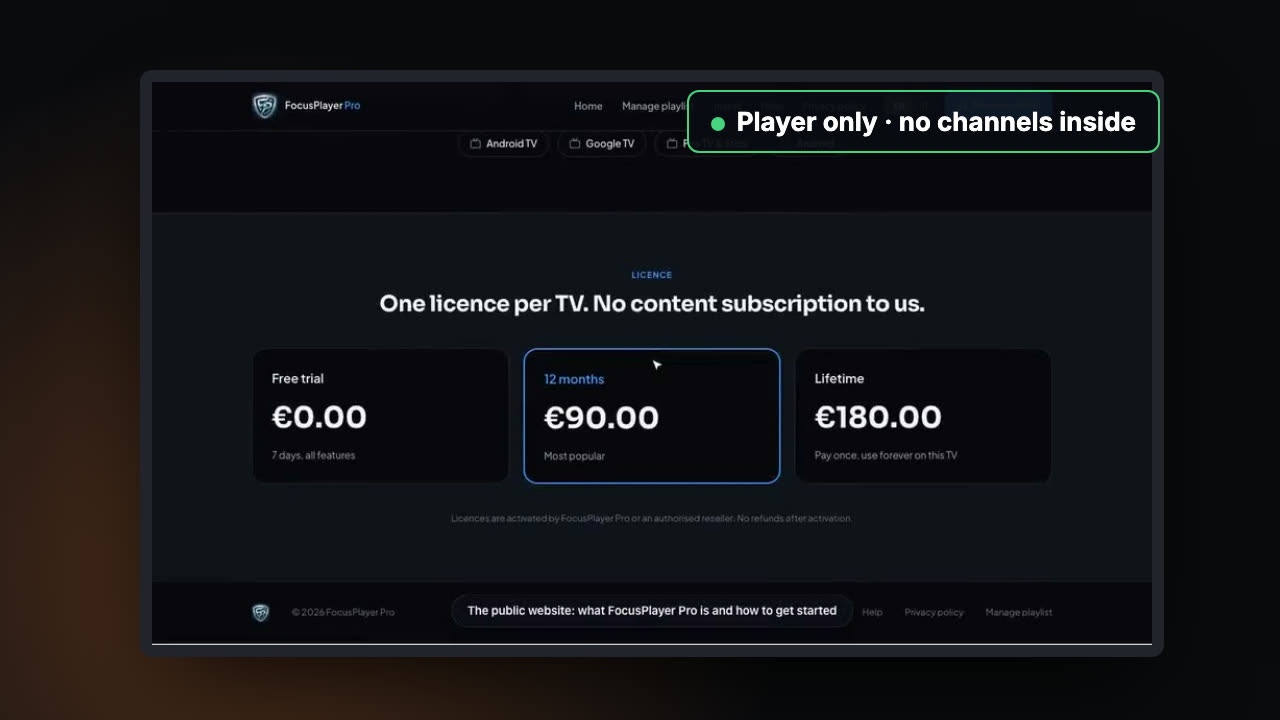 Up next · S1:E3Getting an IPTV player into the app storesWhy IPTV player apps get rejected or removed from app stores, and how to build, list and run one that stays up.
Rather we handled it?
We build IPTV and OTT apps and take them through every store review until they are live.