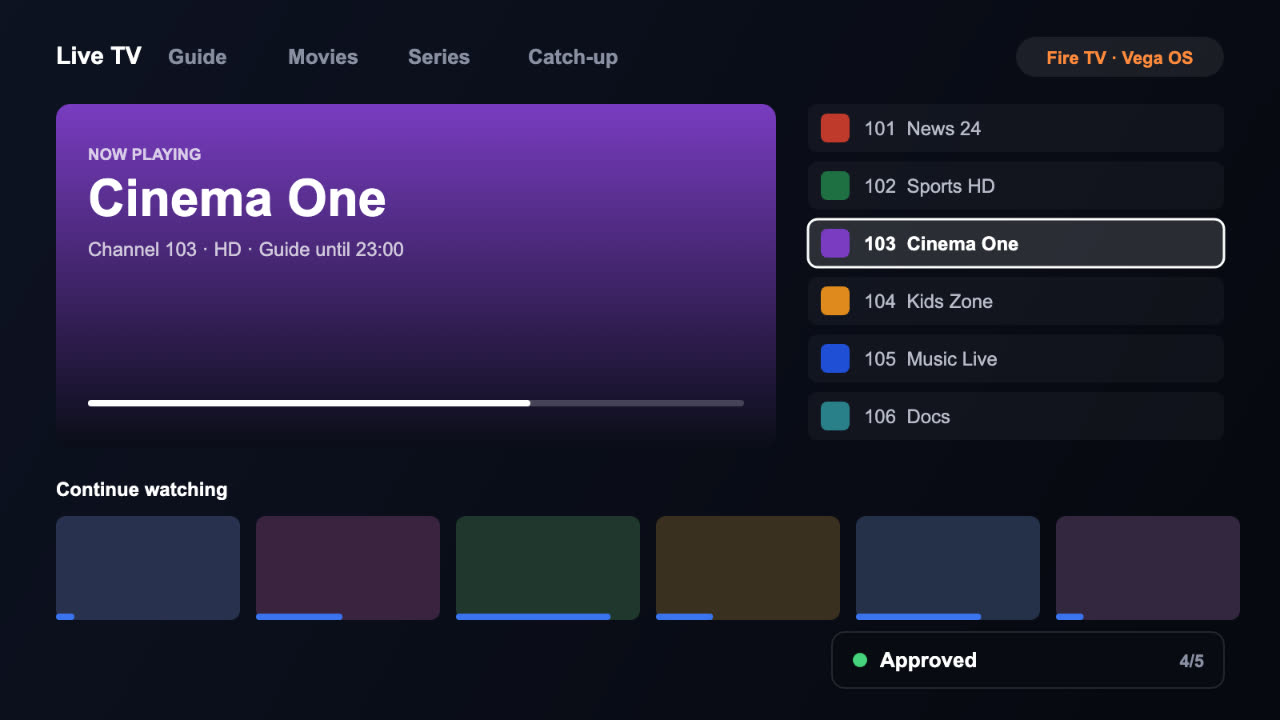
Vega OS is Amazon’s new Fire TV system. It does not run Android apps, so an app needs a Vega build made with React Native for Vega. You submit that build (a VPKG file) through the same Amazon Developer Console as a Fire OS app, usually on the same listing, and target the Amazon Vega TV devices.
Chapter 1What is Vega OS?
Vega OS is the operating system on Amazon’s newer Fire TV devices. Older Fire TV devices run Fire OS, which is built on Android. Both are sold side by side, so a service that wants every Fire TV owner now needs two builds.
Fire OS
- Built on Android
- Apps are APKs, in Kotlin, Java or anything that builds for Android
- Older and many current Fire TV devices
- Amazon Appstore
Vega OS
- Not Android
- Apps are VPKGs, built with React Native for Vega
- Amazon’s newer Fire TV devices
- Amazon Appstore, usually the same listing
Chapter 2How are Vega OS apps built?
Native Vega apps are written with React Native for Vega, using Amazon’s Vega SDK and developer tools. If your app is already in React Native, much of it moves across. If it is a native Android app, the screens are rebuilt.
Carries over
- Your servers and middleware
- Playlists, EPG and catch-up
- Activation codes and licences
- Admin and reseller panels
Gets rebuilt
- The screens viewers see
- Remote-control navigation
- The video player layer
Amazon also runs a Cloud App Program, which streams some existing Android apps to Vega devices inside a small wrapper. When a native Vega build of that app goes live, it replaces the wrapper automatically.
Chapter 3What does Amazon check?
Tick these off before you submit.
- Launcher category. The manifest registers
com.amazon.category.main, or the app cannot open from the Fire TV home screen and the submission fails. - Background playback. The app releases the video player and decoders as soon as it goes to the background.
- Audio codec. It picks AAC or Dolby to match the television or soundbar that is connected.
- Remote only. Every screen works with the direction keys, and typing is kept to a minimum.
- Back button. Back never crashes the app or traps the viewer on a screen.
- Real hardware. The build has been tested on a physical Vega device, not only the simulator.
Chapter 4How do you submit a Vega build?
- Open your listingIn the Amazon Developer Console, open the existing Fire OS app if you have one.
- Upload the VPKGOn the app file screen, upload the Vega build.
- Target Vega devicesUnder Edit supported devices, open the Amazon Fire TV tab and pick the devices in the Amazon Vega TV section.
- Add the TV assetsIf this is the app’s first Fire TV version, upload all the Fire TV images.
- Release notesReuse the Fire OS notes. Amazon asks that “Vega” does not appear in any listing field.
- Review and submitFix anything the console flags, then submit.
Chapter 5Same listing or a separate one?
Amazon recommends adding the Vega build to the same listing as the Fire OS app. Viewers see one app, reviews and ratings stay together, and in-app purchases are shared, so nobody pays twice. A separate Vega-only listing is possible, but for a paid app customers would buy it again.
Vega build numbers are separate from Fire OS version codes, and they must only ever go up: the Appstore refuses to install a lower build over a higher one.
Chapter 6What it means for operators
If your viewers watch on Fire TV, some already have Vega devices and cannot install your current app. The quickest route is usually to keep the Fire OS app, add a Vega build that talks to the same servers, and publish both on one listing.
Chapter 7Questions people ask
Sources: Amazon: Vega app submission · Amazon: Vega media player requirements · Amazon: Cloud App Program and Vega OS
 Up next · S1:E2Getting a TV app approved by Samsung and LGHow the Samsung Tizen and LG webOS app reviews work, what the testers check, and how to avoid the rejections that slow most TV launches down.
Rather we handled it?
We build IPTV and OTT apps and take them through every store review until they are live.